Google Ads Conversion Tracking: What Small Businesses Need to Know
How Google Ads conversion tracking works, what conversions, cost per conversion, conversion value and ROAS really mean, and the common setup mistakes that make small-business ad results look better or worse than they are.
Valtrivo Team6 min read
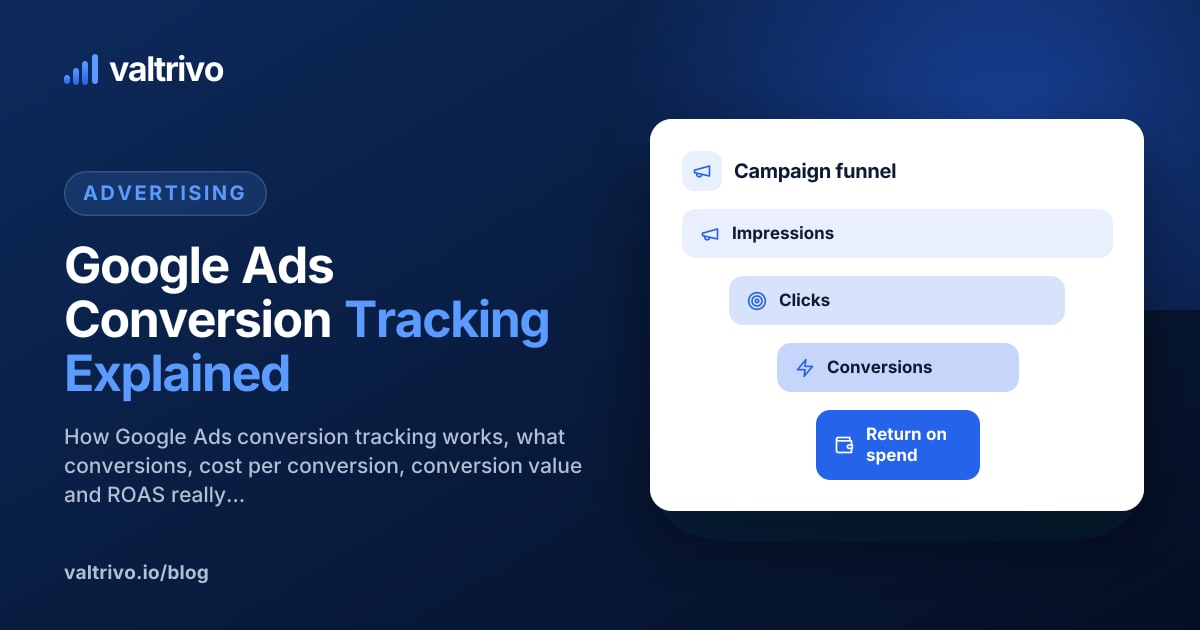
Google Ads conversion tracking records the valuable actions people take after interacting with your ads, such as submitting a form, calling, booking or buying, so you can see which campaigns, keywords and ads actually produce results. Without it, you can see what you spent and how many clicks you got, but not whether the spend brought in customers. It also matters for Google's automated bidding, which optimises towards whatever you tell it counts as a conversion. If that's set up wrong, the system optimises for the wrong thing.
This guide explains the key terms, how to judge the numbers, and the mistakes that most often distort small-business results.
How conversion tracking works
In simple terms:
- Someone clicks your ad. With auto-tagging turned on (the default for most accounts), Google adds a click identifier to the landing page URL.
- They take an action on your website, such as reaching a thank-you page after submitting a form.
- A Google tag on your site records that action as a conversion and connects it to the original ad click.
- Google Ads reports the conversion against the campaign, ad group, keyword and ad that drove it.
You can set conversions up in a few ways: with the Google tag directly, through Google Tag Manager, by importing key events from Google Analytics 4, by tracking phone calls, or by uploading offline conversions from your own records. What matters is that each important action is counted once and only once.
The key metrics, explained
Conversions
The number of conversion actions attributed to your ads. Two details matter:
- Primary vs secondary actions. Only primary conversion actions appear in the main Conversions column and are used for bidding. Secondary actions are recorded for reference. If a low-value action such as a newsletter sign-up is set as primary, your bidding treats it like a sale.
- Counting: "One" vs "Every". For leads, Google recommends counting one conversion per ad click, so one person who submits your form twice counts once. For purchases, every is usually correct, because each sale has value.
You may see conversions with decimals, such as 12.6. That's normal with data-driven attribution, which can split credit for a conversion across several ad interactions.
Conversion date vs click date
Google Ads reports conversions against the date of the ad click, not the date the conversion happened. If someone clicks on the 28th and enquires on the 3rd of the next month, the conversion appears on the 28th. Recent days can therefore look weaker than they really are until late conversions arrive. Allow for this before judging the last week or two.
Conversion window
How long after a click a conversion can still be credited to it. For website conversions the default is 30 days, and it can be adjusted. Businesses with longer decision cycles, such as home improvements or B2B services, may need a longer window.
Cost per conversion
Cost divided by conversions. If you spent £600 and recorded 15 enquiries, your cost per conversion is £40.
Cost per conversion is only meaningful if you know what a conversion is worth to you. A £40 enquiry is excellent for a kitchen fitter and very expensive for a café.
Conversion value
A monetary value assigned to each conversion. For e-commerce it's usually the order value. For lead generation you can assign an estimated value, for example your average job value multiplied by the share of enquiries that typically become customers.
ROAS (return on ad spend)
Conversion value divided by cost. If campaigns generated £3,000 of conversion value from £750 of spend, ROAS is 4, often shown as 400%.
ROAS isn't profit. It ignores your cost of goods, labour and overheads. A ROAS of 4 might be very profitable for a high-margin service and loss-making for a low-margin product. ROI, by contrast, looks at profit after all relevant costs.
A worked example
A small landscaping business assigns each enquiry an estimated value of £150, based on its average job value and close rate.
| Campaign | Cost | Conversions | Cost / conv. | Conv. value | ROAS |
|---|---|---|---|---|---|
| Garden design | £900 | 12 | £75 | £1,800 | 2.0 |
| Patio installation | £600 | 15 | £40 | £2,250 | 3.75 |
| Brand name searches | £120 | 10 | £12 | £1,500 | 12.5 |
Sample data for illustration only.
What this suggests:
- Patio installation produces enquiries efficiently. It may deserve more budget, if lead quality holds up.
- Garden design is more expensive per enquiry. Before cutting it, check whether those jobs are larger, in which case a single value per enquiry understates them.
- Brand searches look extremely efficient, but many of those people were already looking for you. Brand campaigns can still be worthwhile, but don't treat their ROAS as proof that advertising in general is working.
Common conversion tracking mistakes
1. Counting the same conversion twice
The most common problem: tracking a form submission with a Google Ads tag and importing the same action from GA4, with both set as primary. Every enquiry is counted twice, cost per conversion looks half what it really is, and bidding is distorted. Pick one source for each action as primary.
2. Counting things that aren't conversions
Page views, time on site or clicks on the "Contact" menu link are not conversions. Count completed actions, such as a confirmed form submission, a call above a minimum duration, or a booking, not intent signals.
3. Using "Every" counting for leads
A visitor who submits a form, then submits again to correct their phone number, becomes two leads. Use one per click for lead actions.
4. Tracking that breaks silently
Website redesigns, new form plugins or a moved thank-you page can stop conversions being recorded. Google Ads shows a tag status for each conversion action. Check it after any website change, and watch for a sudden drop to zero.
5. Not tracking phone calls
For many local businesses, calls are the main conversion. Google Ads can track calls from ads and clicks on your website phone number. Without that, call-heavy campaigns look like they aren't working.
6. Treating every lead as equal
Ten enquiries from people outside your service area aren't worth ten good leads. If you can, record which leads became customers and feed that back using offline conversion imports, or at least review lead quality by campaign each month.
7. Judging recent performance too early
Because conversions are reported on the click date, the last few days always look underreported. Compare complete periods.
A quick conversion tracking checklist
- Each important action has one primary conversion action
- Lead actions use one count per click; purchases use every
- The tag status shows as recording conversions
- Test conversions appear after you submit your own form
- Phone calls are tracked if calls matter to your business
- Conversion values reflect real business value where possible
- The conversion window suits your typical decision time
- GA4 imports and Google Ads tags aren't both primary for the same action
Seeing Google Ads results alongside your other data
Ad platform numbers make most sense next to what happens on your website and in organic search. Valtrivo's Google Ads reporting connects read-only to your account and summarises spend, clicks, conversions, cost per conversion and ROAS in plain language, alongside your Google Analytics data. Connected reporting is part of the paid plans; see pricing for details. Valtrivo reports on your ads and highlights where to look, but it doesn't change your campaigns or guarantee results.
Summary
Google Ads conversion tracking tells you which ads produce real business results and steers automated bidding. Track each important action once, as a primary conversion, use the right counting method, assign realistic values, and remember that ROAS isn't profit. Most misleading results come from duplicate counting, tracking the wrong actions or tracking that broke unnoticed.
Next step: see how Valtrivo's Google Ads reporting presents conversions, cost per conversion and ROAS in a clear monthly view.
Related reading:
Related articles
 Organic Search
Best Ways for SEO Consultants to Report Results to Small Businesses
How SEO consultants can report results that small-business owners understand: which Search Console and analytics metrics matter, why rankings alone mislead, a simple monthly report structure and common reporting mistakes to avoid.
 Website Audits & SEO
How to Run a Free Website Audit for Your Small Business (Step-by-Step Checklist)
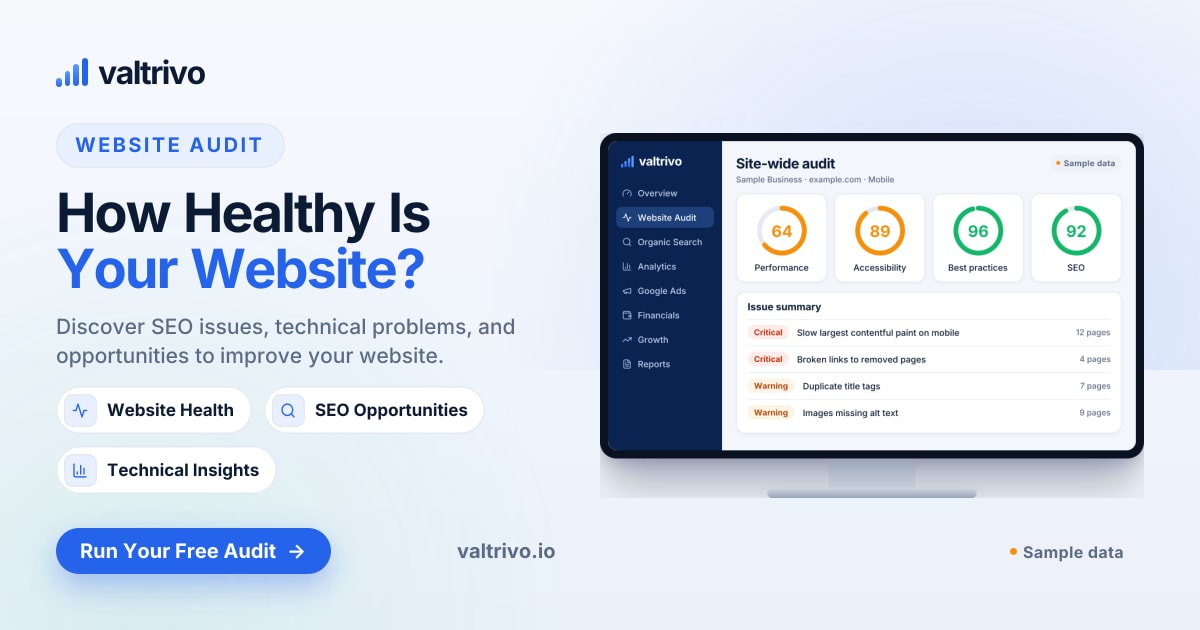
A practical website audit checklist for small-business owners: how to check technical SEO, page speed, accessibility and conversion basics using free tools, and how to decide what to fix first.